How to Fix Blurry and Compressed Photos from Messaging Apps
Published
When downloading photos from WhatsApp, Facebook Messenger, or other chat platforms, you might notice that faces look soft, text becomes illegible, and edges are surrounded by grainy artifacts.
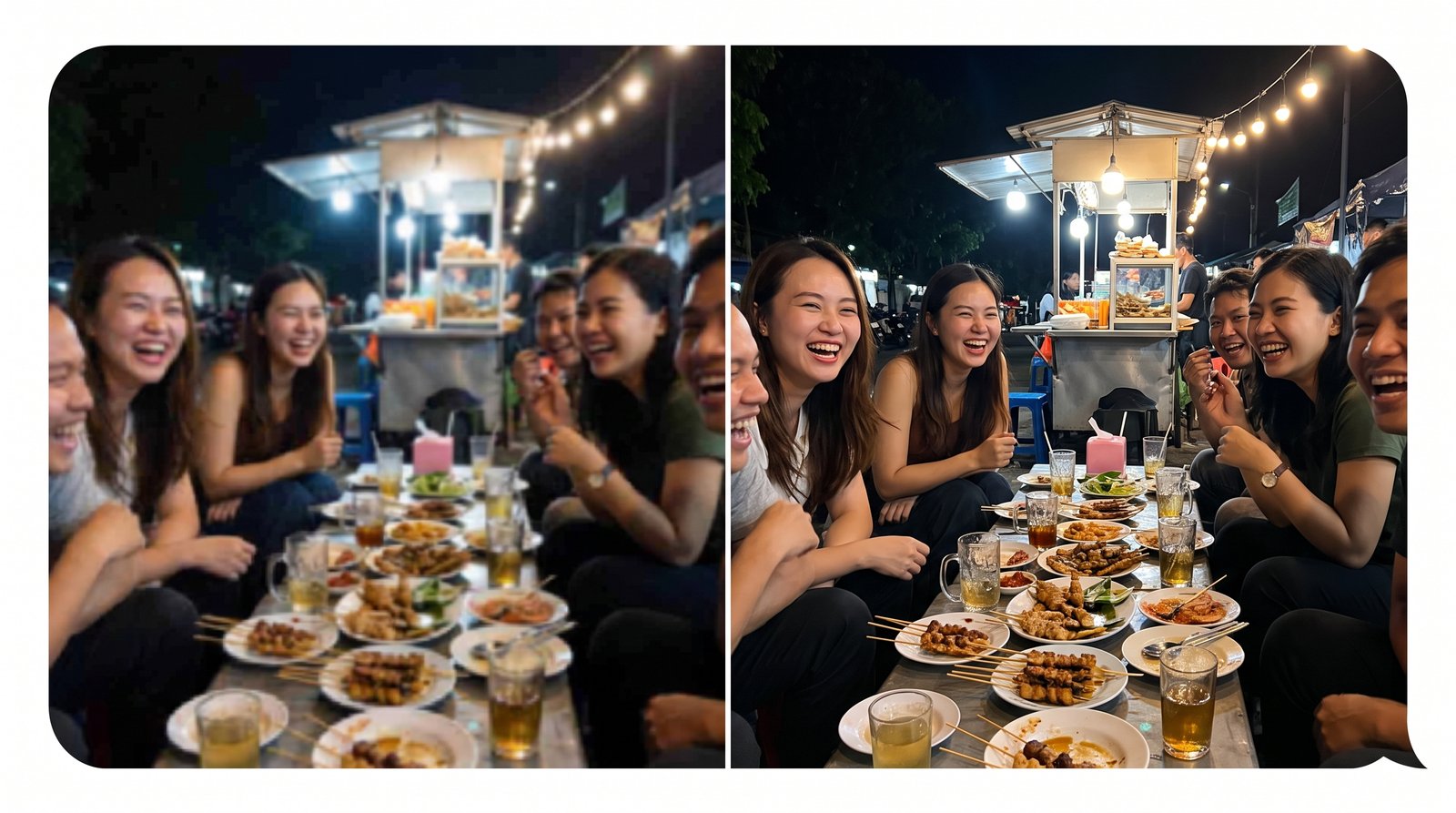
Why Messaging Apps Degrade Image Quality
Most chat platforms automatically apply aggressive JPEG compression to conserve server bandwidth and speed up delivery.
This process introduces noticeable flaws:
- Block artifacts: The image is split into 8x8 pixel blocks with visible color banding.
- Ringing artifacts: Blurry halos or fuzziness around contrast edges and text.
- Downsampling: A 12-megapixel smartphone photo is often downsized to 1-2 megapixels.
Traditional Resizing vs. AI Super-Resolution
If you simply sharpen a compressed image using a classic photo editor, you also amplify the JPEG noise and grain.
Modern deep learning models (such as Real-ESRGAN) analyze patterns within the photo and reconstruct high-frequency texture information, removing compression noise while sharpening realistic contours.
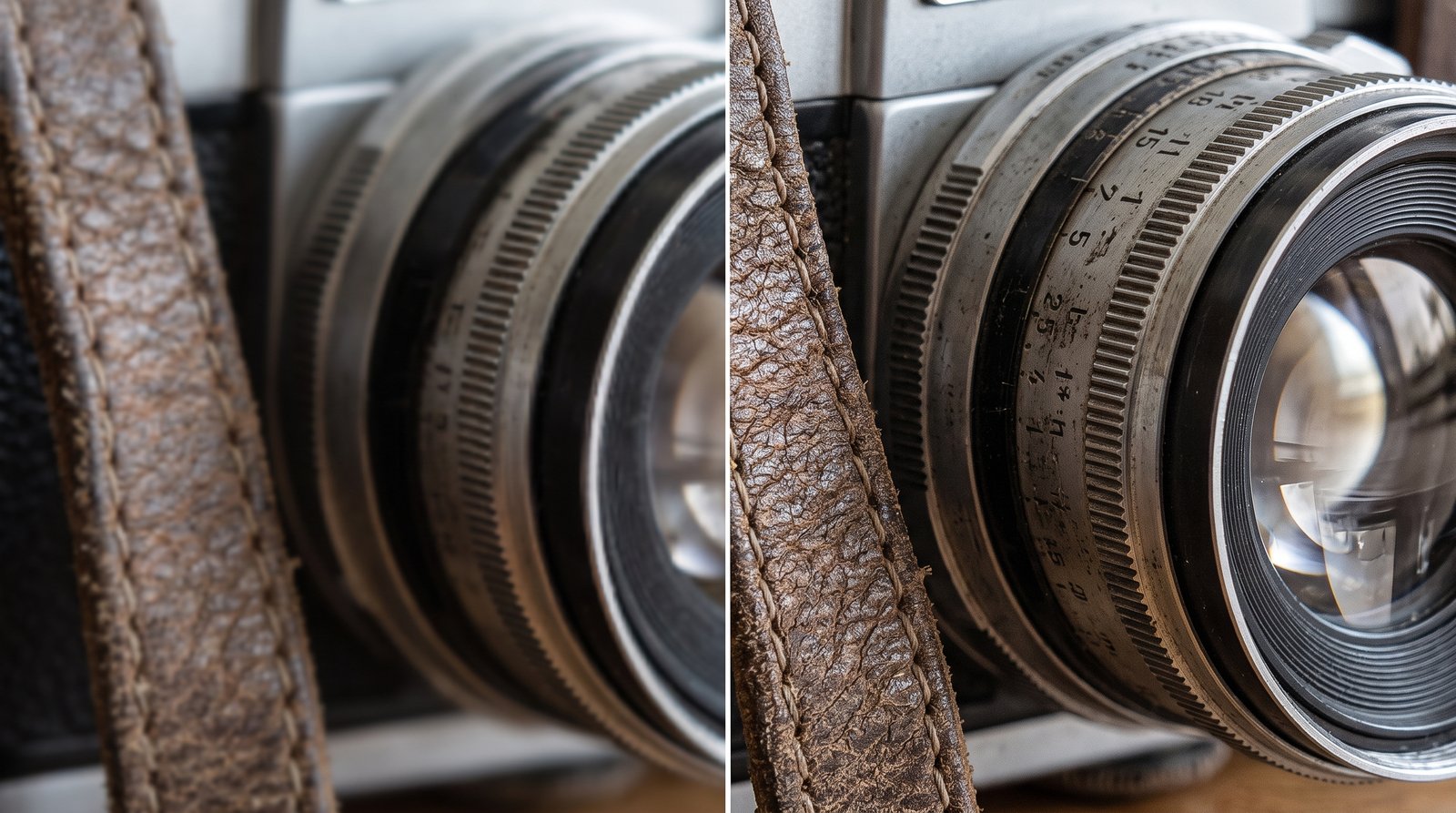
How to Enhance Photos with Crispix
With Crispix, you can enhance low-resolution images in seconds:
- Select your image: Drag and drop your file into the tool.
- Choose your filter:
- Use Denoise & JPEG Artifact Removal for chat compression.
- Use AI Upscaling (2x / 4x) to increase image resolution for 4K displays or printing.
- Inspect the results: Slide the interactive Before/After viewer to inspect edge clarity.
- Export: Download your enhanced photo directly to your device.
Because Crispix runs entirely inside your browser using WebGPU and WebAssembly, your photos never leave your device.