How to Convert Any Image to 4K Resolution
Published
4K monitors and TVs make low-resolution wallpapers look soft and pixelated. Instead of stretching the image, you can upscale it with AI so it fills the screen with real detail.
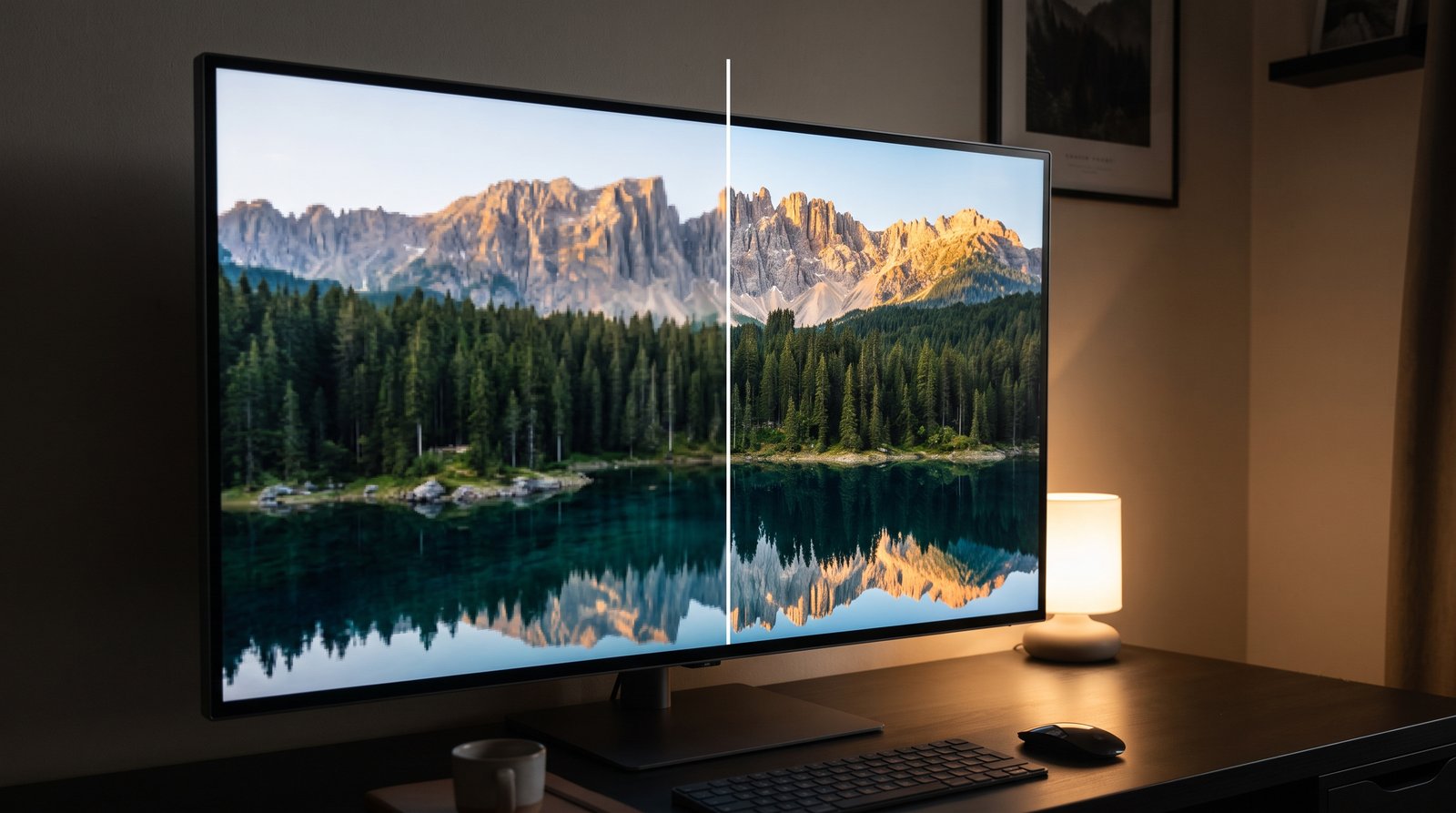
What Counts as 4K?
4K UHD is 3840 x 2160 pixels, a 16:9 aspect ratio. Other common screens:
| Screen | Resolution | Aspect ratio |
|---|---|---|
| Full HD | 1920 x 1080 | 16:9 |
| QHD / 1440p | 2560 x 1440 | 16:9 |
| 4K UHD | 3840 x 2160 | 16:9 |
| Ultrawide 1440p | 3440 x 1440 | 21:9 |
| MacBook 14” | 3024 x 1964 | ~16:10 |
Step 1: Crop to the Right Shape
Upscaling does not change the shape of an image. If your photo is 4:3 and your screen is 16:9, crop it first or your wallpaper will be stretched or letterboxed.
Step 2: Upscale to 4K
- Open Crispix and drop in your image.
- Set Upscaling method to AI and Output size to 4K (3840 px).
- Choose the General (photos) model, or Anime & illustration for drawn art.
- Click Enhance, check details with the Before/After slider, then download.
The 4K option scales your image so its long edge is 3840 px, whatever its starting size.
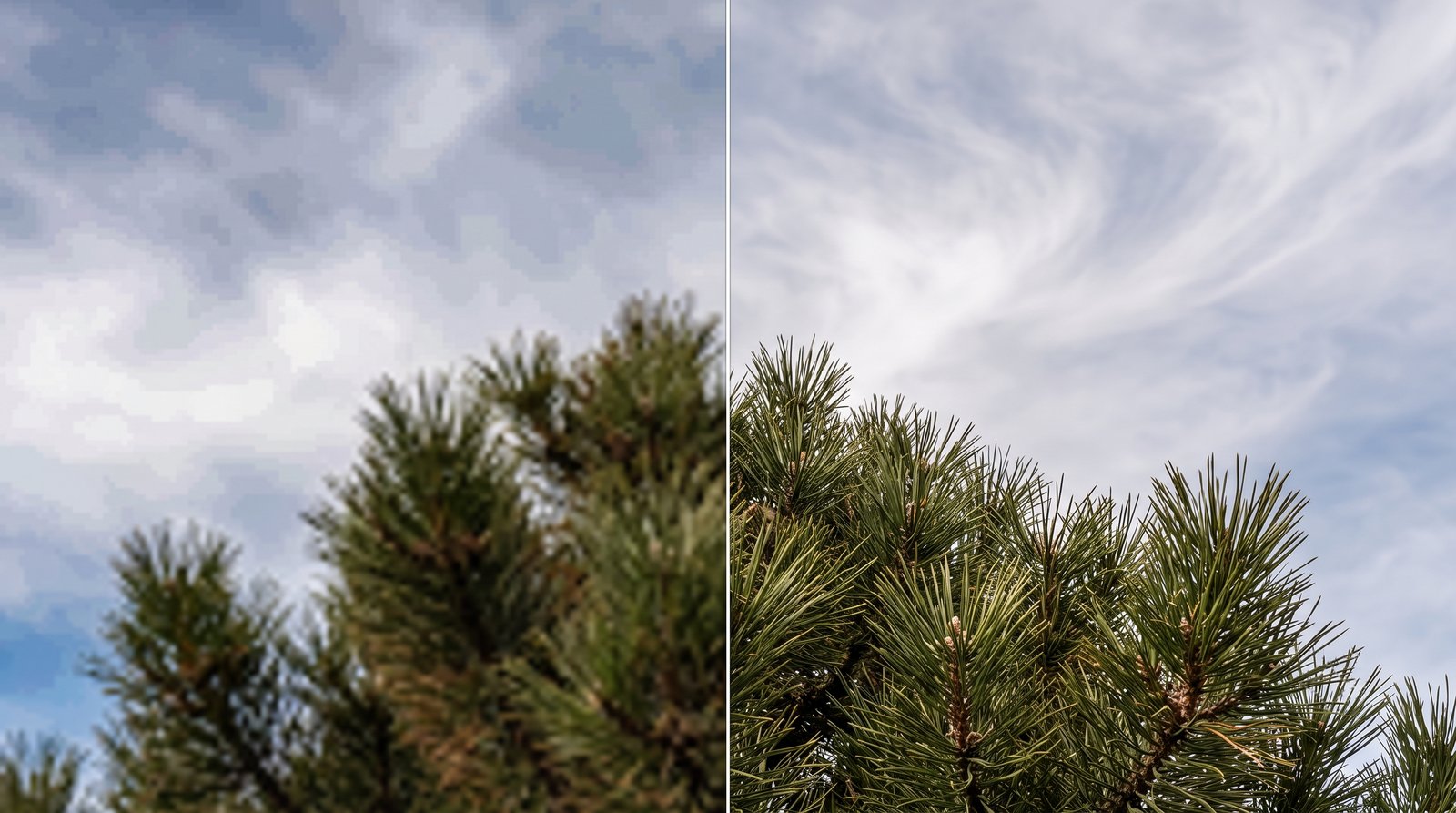
How Small Can the Source Be?
AI can add a lot of convincing detail, but each pass has limits:
- 1920 px or larger: excellent results, roughly 2x.
- 960 – 1900 px: very good, roughly 2x – 4x.
- Under 960 px: usable, but fine textures will be partly invented by the model.
Tips
- Pick JPEG for photos to keep file sizes reasonable; choose PNG for graphics and text.
- Avoid already-sharpened images. Over-sharpened edges get exaggerated.
- Check on the real screen. Set it as your wallpaper and look at it at normal viewing distance before judging.